Use case
The podcast clip maker that finds the moments for you
StackyStack turns a full podcast episode into ready-to-post vertical clips. It ranks the strongest moments, follows whoever is talking, adds animated captions and exports each clip, all on your desktop.
0:0031:071:02:14
One episode, a week of posts
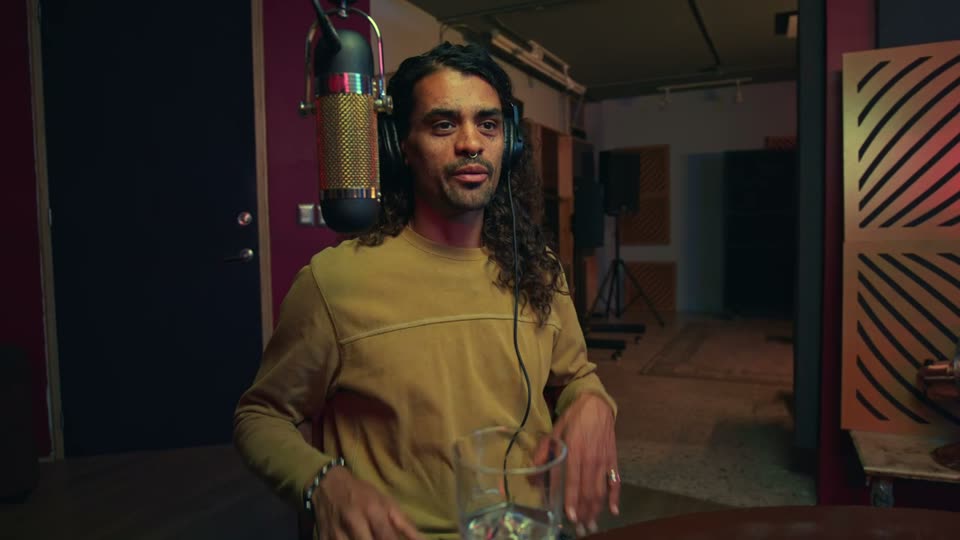
An hour-long episode usually holds ten or more moments worth posting. Finding them by hand means rewatching the whole thing. StackyStack does the first pass in minutes and hands you a ranked list to approve.
Built for how podcasts are filmed
- Wide two-person shots reframed to vertical, following the speaker
- Clips cut at the end of a thought, not mid-sentence
- Ums, uhs and long pauses found and cut with Clean up speech
- Edit by text: delete words in the transcript and the video cuts with them
Your episodes stay on your computer
In the StackyStack desktop app, editing and export happen locally and only the sound is sent for a transcript, which matters for unreleased episodes and guest content. Studio, the browser version, sends only an episode’s sound to find its moments and cuts the clips on your device.
Questions
- Does it work with audio-only podcasts?
- Vertical clips need a video file. If you record video, even a single static camera, StackyStack can clip it.
- How many episodes can I clip on the Free plan?
- Free includes 60 minutes of AI analysis a month, about one episode. Creator includes 10 hours.
Your next short is already in your footage
Windows · macOS · Linux · Free plan, no card