Feature
Auto reframe any video to vertical
Auto reframe turns a wide 16:9 shot into a vertical 9:16 clip by following the speaker’s face, so they stay in frame as they move. StackyStack does this for every clip it finds, and you can switch the format to square, 4:5 or landscape at any time.
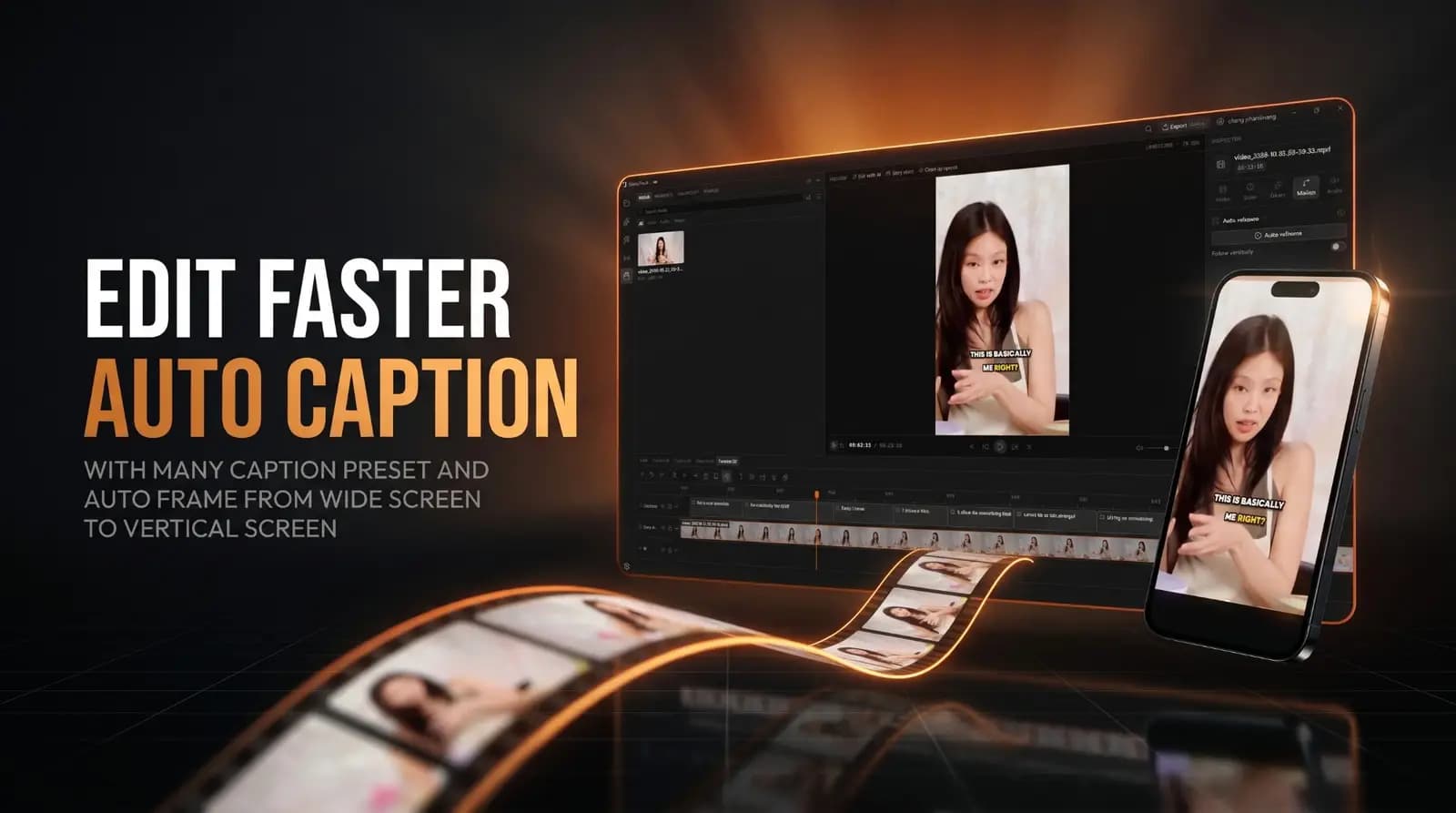
Face tracking that follows the speaker
Most podcast and stream footage is shot wide. Cropping the middle of it loses anyone who leans or moves. StackyStack finds the face in every frame and moves the crop with it, smoothly enough that the viewer never notices the camera work.
Every format the feeds use
Change the format in the inspector and the framing follows. Where the frame isn’t covered, fill it with a colour, an image or a blurred copy of the clip.
- 9:16 for TikTok, YouTube Shorts and Instagram Reels
- 1:1 square
- 4:5 portrait for the feed
- 16:9 landscape
Advanced reframing
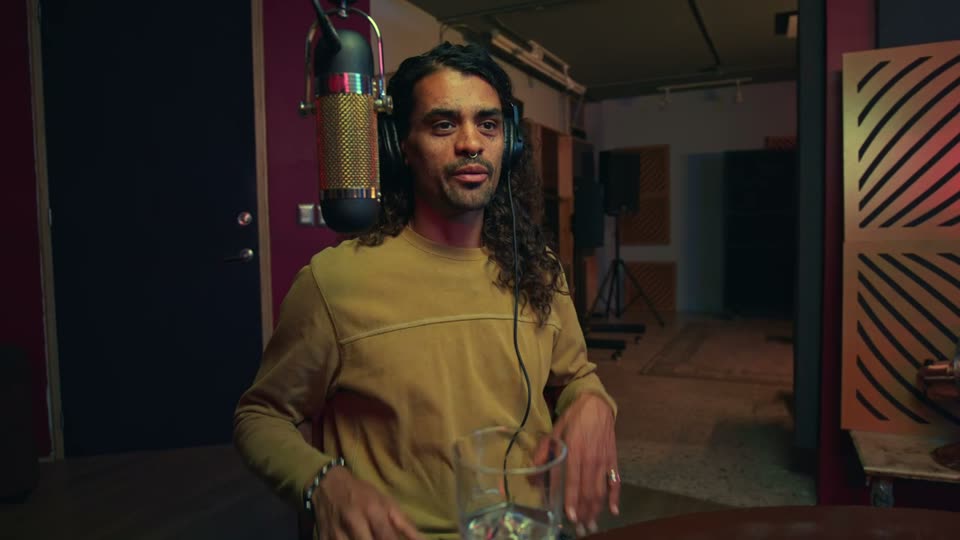
On Creator plans and up, advanced reframing adds speaker tracking for multi-person shots and vertical follow, so two-person podcasts cut cleanly between whoever is talking.
Try it here
A working miniature of the app, with drawn stand-in footage.
Questions
- Is auto reframe included on the Free plan?
- Yes. Every clip is framed to vertical on every plan. Advanced reframing with speaker tracking is on Creator and above.
- Can I fix the framing by hand?
- Yes. Add keyframes on the timeline to override the automatic framing wherever you want.
Your next short is already in your footage
Windows · macOS · Linux · Free plan, no card