Feature
Animated captions for every word
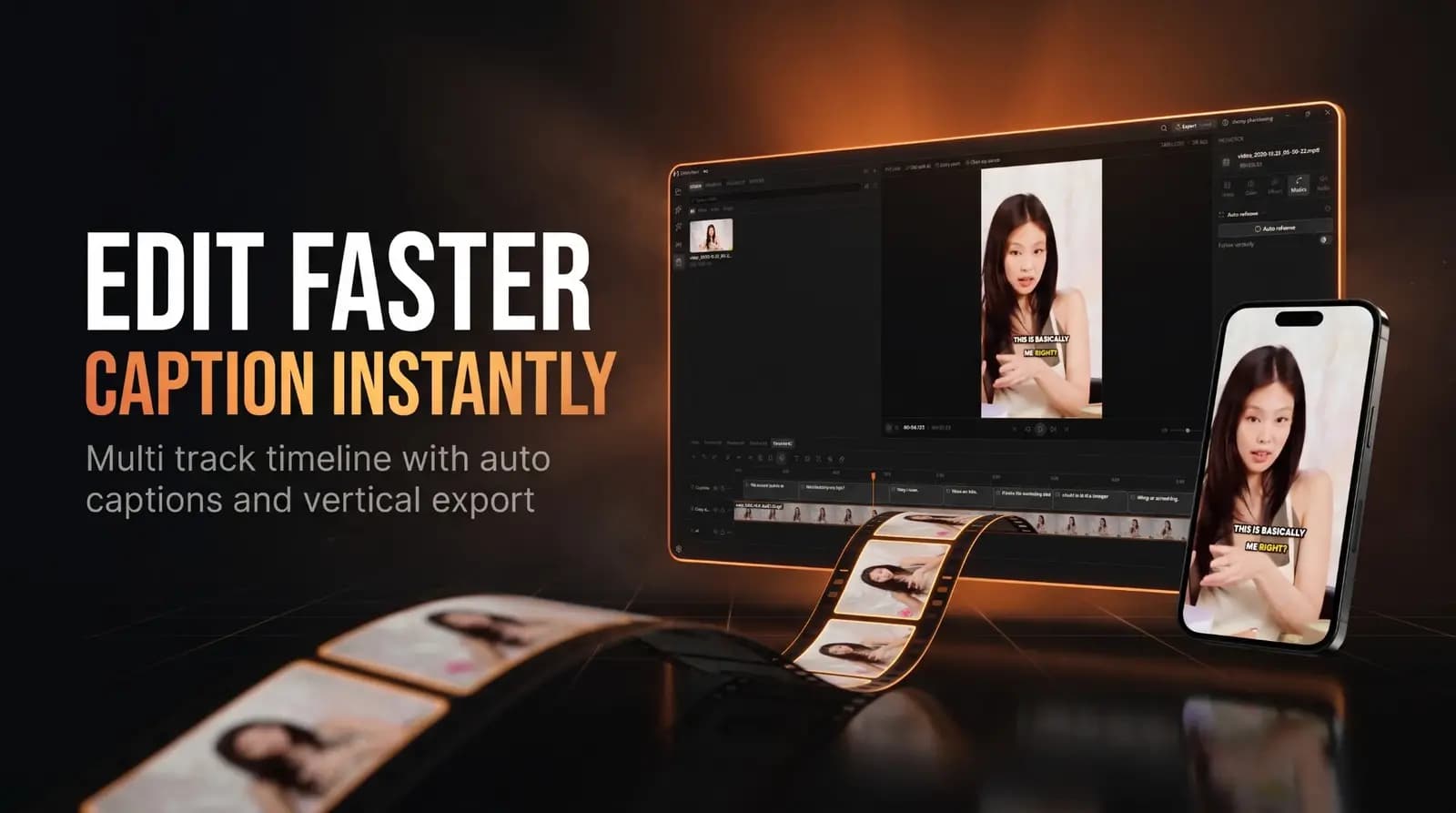
StackyStack transcribes your clip on your own computer and adds animated captions that appear word by word, in time with the voice. Pick a style such as bold, karaoke or clean, colour a keyword, and the captions are burned into the export.
Why captions matter on short-form video
Most short-form video is watched with the sound off. Captions keep those viewers watching, and word-by-word timing holds attention better than a block of subtitles.
Transcribed from the sound, timed to the voice
Only the sound is sent to make the transcript, never the picture, and it is deleted once it is transcribed. Every word is timed to the speech, and you can correct a word in the transcript and the caption updates with it.
Styles and effects
- Caption styles from quiet to loud, including bold, karaoke and clean
- Coloured keywords to pull the eye to the point
- Zooms, shakes and looks timed to the words
- Premium styles: 5 on Free, more on paid plans
Try it here
A working miniature of the app, with drawn stand-in footage.
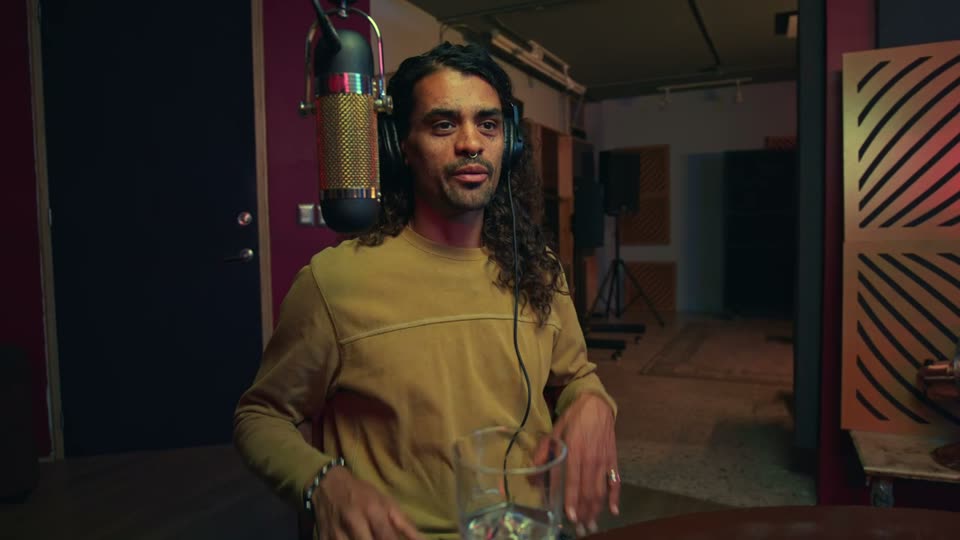
Timeline · 1080×1920
This is basically me, right?I have an idea.It looks like a stranger.
Questions
- Which languages are supported?
- Captions follow the language spoken in the clip. Check the app’s language list for the current set.
- Are captions burned in or exported as a file?
- They are burned into the video on export, styled the way you see them in the preview.
Your next short is already in your footage
Windows · macOS · Linux · Free plan, no card