Feature
Edit your clips by typing what you want
AI Director is StackyStack’s prompt-based editor: you type an instruction and it changes the timeline for you, from trimming pauses to adding zooms and captions. Only the text of your prompt and transcript is sent; your video stays on your computer.
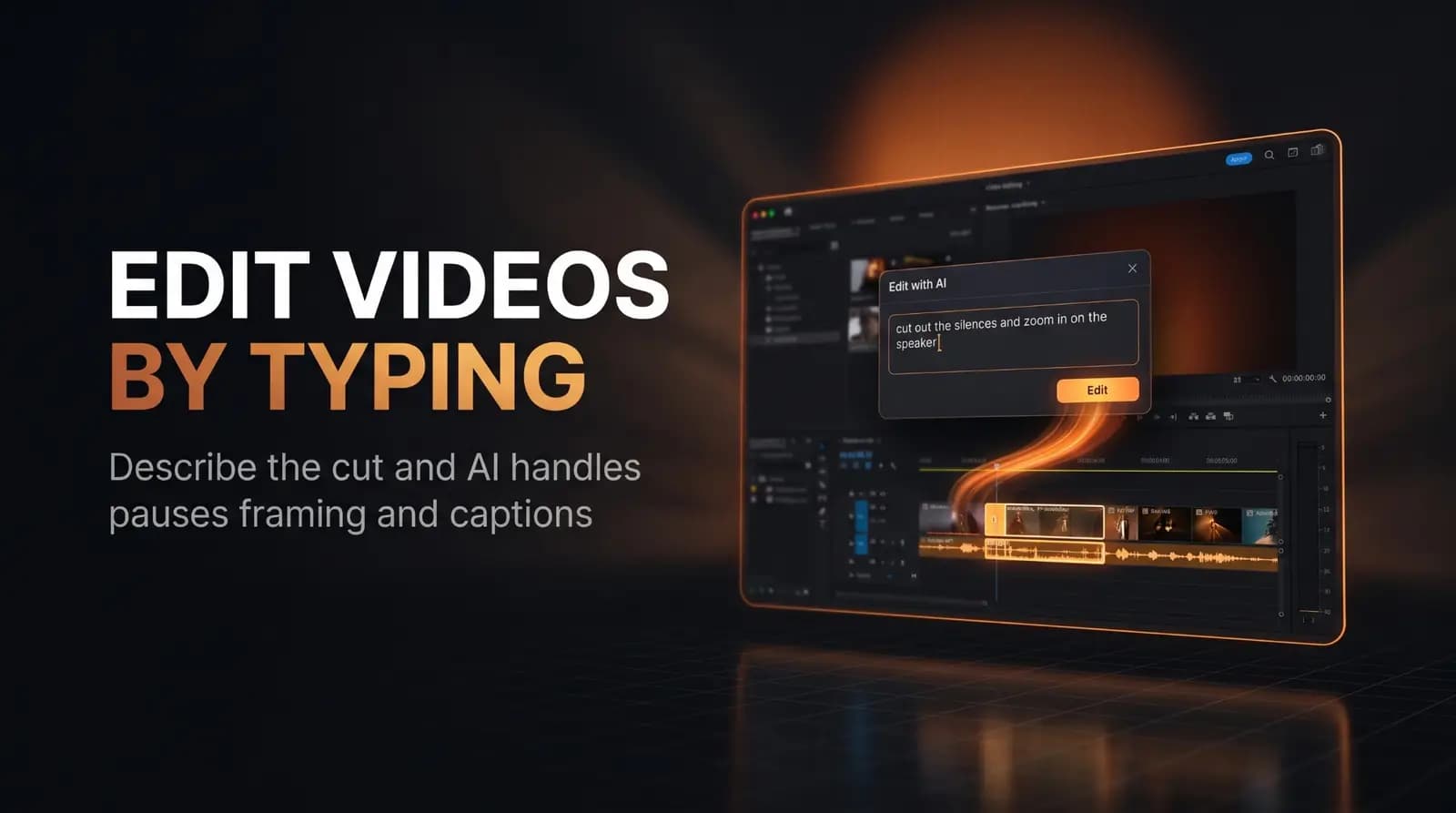
What you can ask for
Every change lands on the normal timeline, so you can undo it or keep editing by hand.
- “Cut the ums and the long pauses”
- “Zoom in on the punchline and add a whoosh”
- “Make the hook the first line”
- “Use the karaoke caption style”
Private by design
StackyStack is a desktop app. Editing, previewing and exporting happen on your machine. For AI Director, only the words (your prompt and the transcript) go to the AI service, never the video or audio.
What it costs
Each prompt uses one Cloud AI credit, however long it is. Creator includes 500 credits a month, Pro 2,000 and Studio 8,000.
Try it here
A working miniature of the app, with drawn stand-in footage.
Questions
- Is AI Director on the Free plan?
- No. AI Director is included on Creator, Pro and Studio.
- Can I still edit by hand?
- Yes. The full timeline editor, with keyframes, transitions and effects, works on every plan.
Your next short is already in your footage
Windows · macOS · Linux · Free plan, no card